A single place to begin.
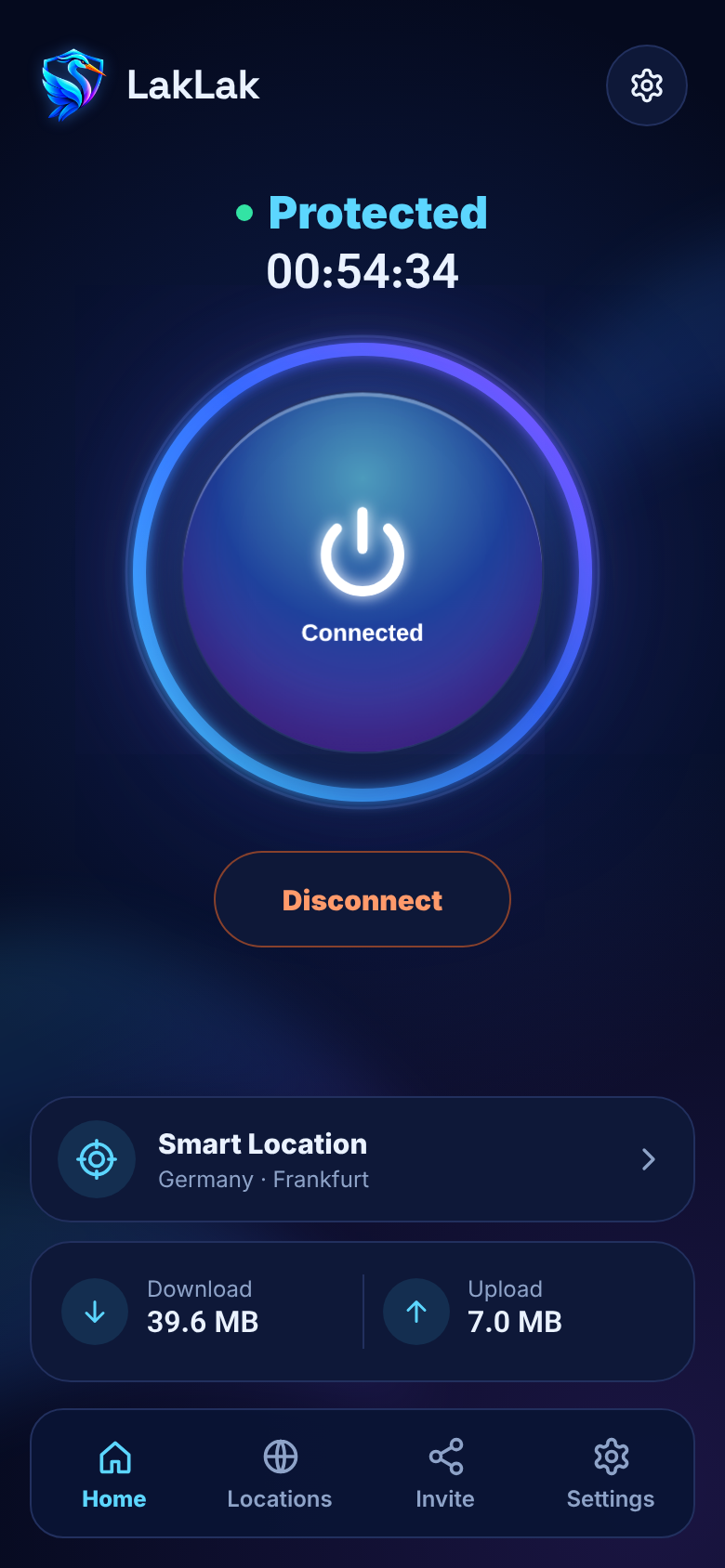
The main connection control is easy to find. Choose an available location and start a session when you’re ready.
 LakLakVPN
Get the app
A LITTLE FREEDOM FOR YOUR EVERYDAY
Meet LakLak. Your Android VPN with a clear way to connect,
a calm place to land, and you in control.
For Android · Advertising-supported
FIND YOUR EVERYDAY CONNECTION
A familiar layout means the important things never feel far away. LakLak keeps your connection, location, and session status in view.
YOUR FIRST FLIGHT
There’s a simple rhythm to getting started.
Open the LakLakVPN listing on Google Play, install the app, and take a look around.
Choose an available location and tap Connect. Android will ask for your permission to create a VPN connection.
Wait for the app to show that you’re connected. Browse, then disconnect whenever you’re ready to land.
A LITTLE CLARITY GOES A LONG WAY
Our privacy policy explains connection data, diagnostics, local settings, and the advertising services that support LakLak.
It also explains your choices and how to reach us. Take a moment to read it before your first connection.
Explore the Privacy PolicyGOOD QUESTIONS. CLEAR ANSWERS.
LakLak is an Android VPN. Open its Google Play listing to check compatibility and availability for your device.
Android requires your permission before LakLak can set up a VPN. Once connected, the app routes traffic through the active VPN service. You can stop the session from the app.
Look at the written connection status in the app. The screen preview on this website is illustrative; it does not show your phone’s current connection.
Advertising helps support LakLak. The app includes ad and consent services. The Privacy Policy explains the partners involved and available privacy choices.
Email support@upstackcore.com and mention LakLakVPN. Including your app version and a short description of the problem can help us understand your request.